
A familiar layout
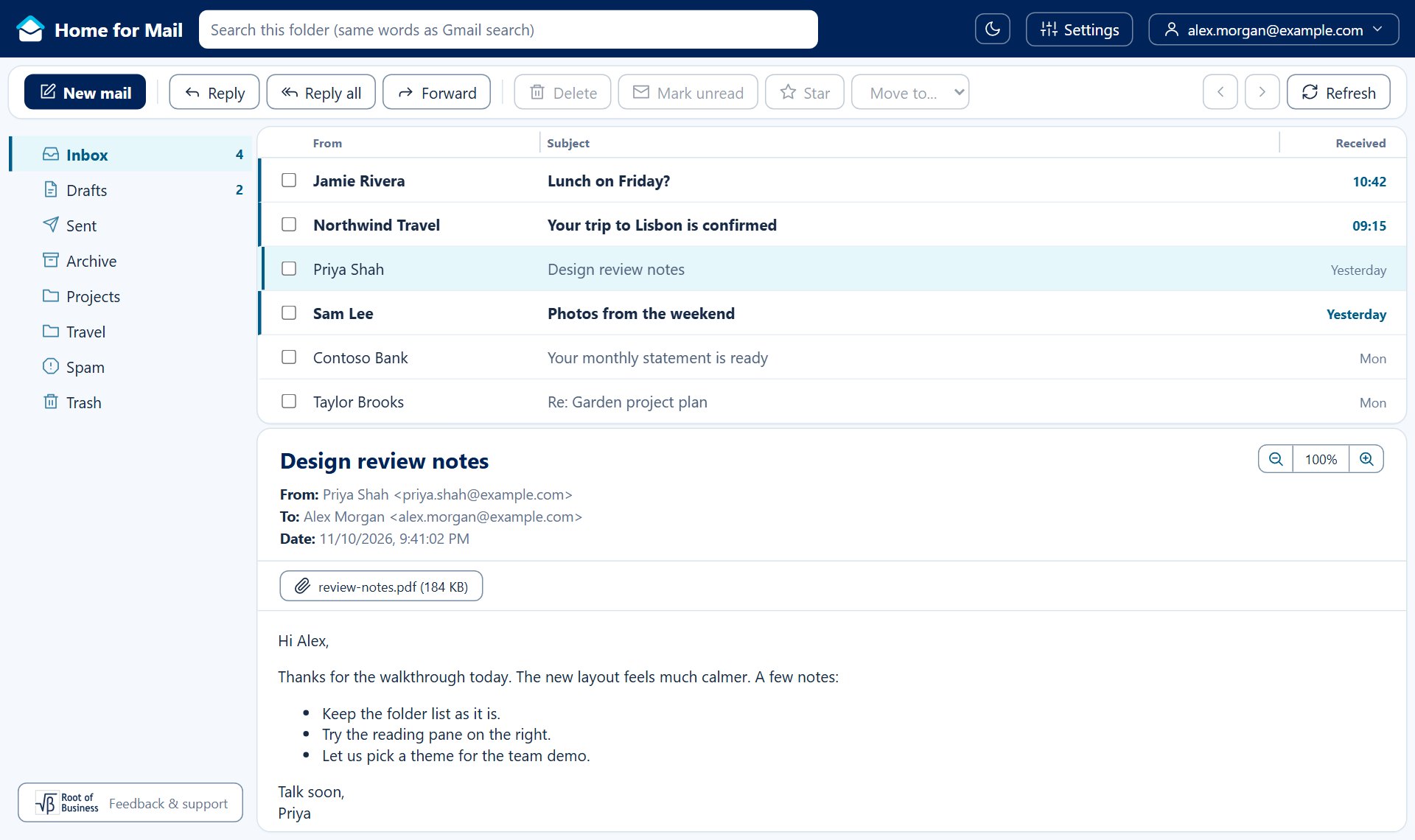
Folders on the left, your mail in the middle, the open email below or beside it. Drag to resize every pane.
Read, write, and organize your Gmail in a browser-based inbox. Choose a theme that feels right for you.
Free. Nothing to install. Sign in with your Google account.
Home for Mail works with the Gmail account you already have. Your mail stays in Gmail.
Folders on the left, your mail in the middle, the open email below or beside it. Drag to resize every pane.
Pick a theme and switch between light, dark or your computer's setting. The change takes one click.
Connect more than one Gmail account and switch between them from the top bar.
Rich text, your Gmail signature, attachments and automatic replies when you are away.
Choose to see pictures from the web only when you ask, so senders cannot tell you opened their email.
Your mail goes straight from Google to your browser. Home for Mail has no server that stores email.
The same inbox, three different moods. Every theme comes in light and dark.
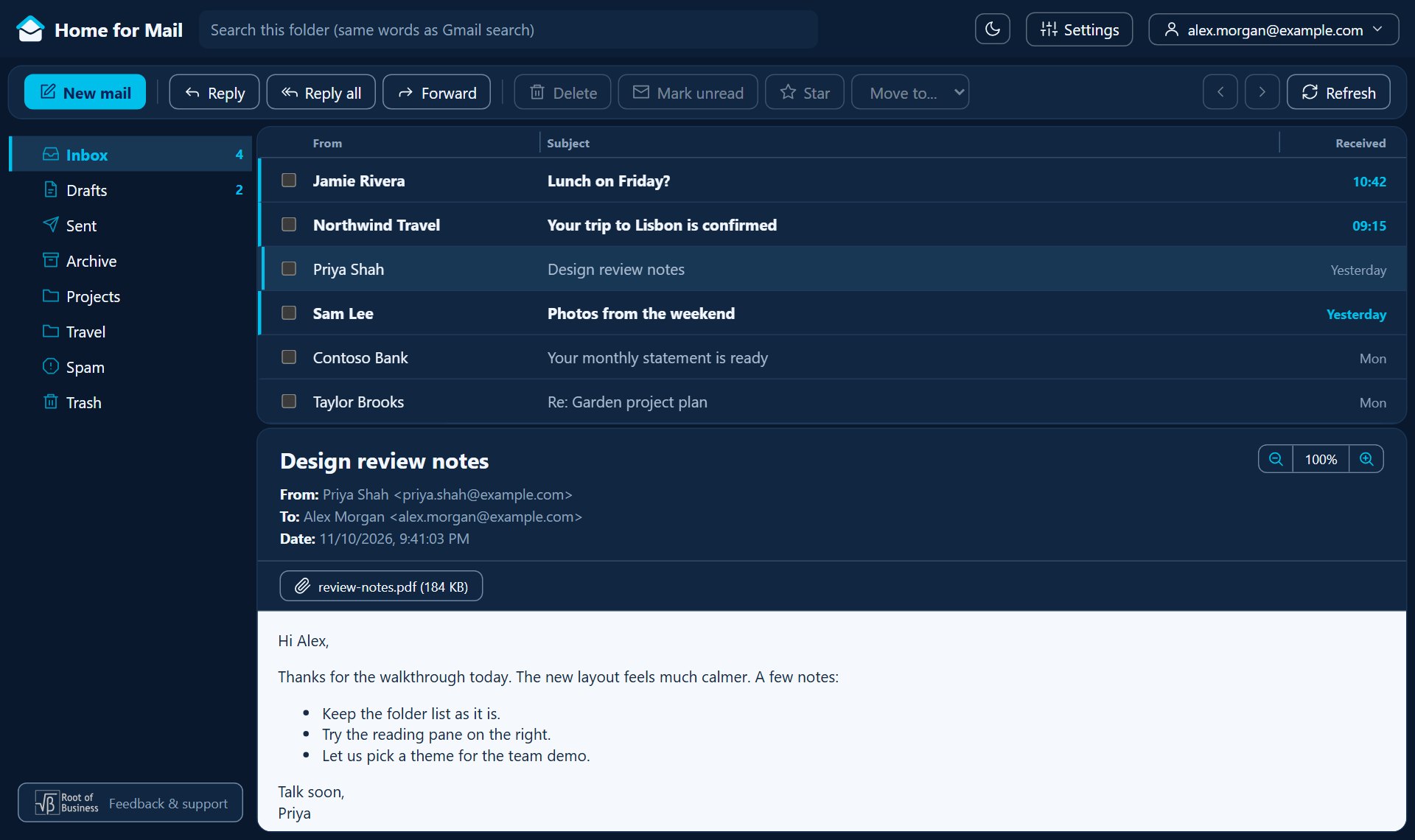
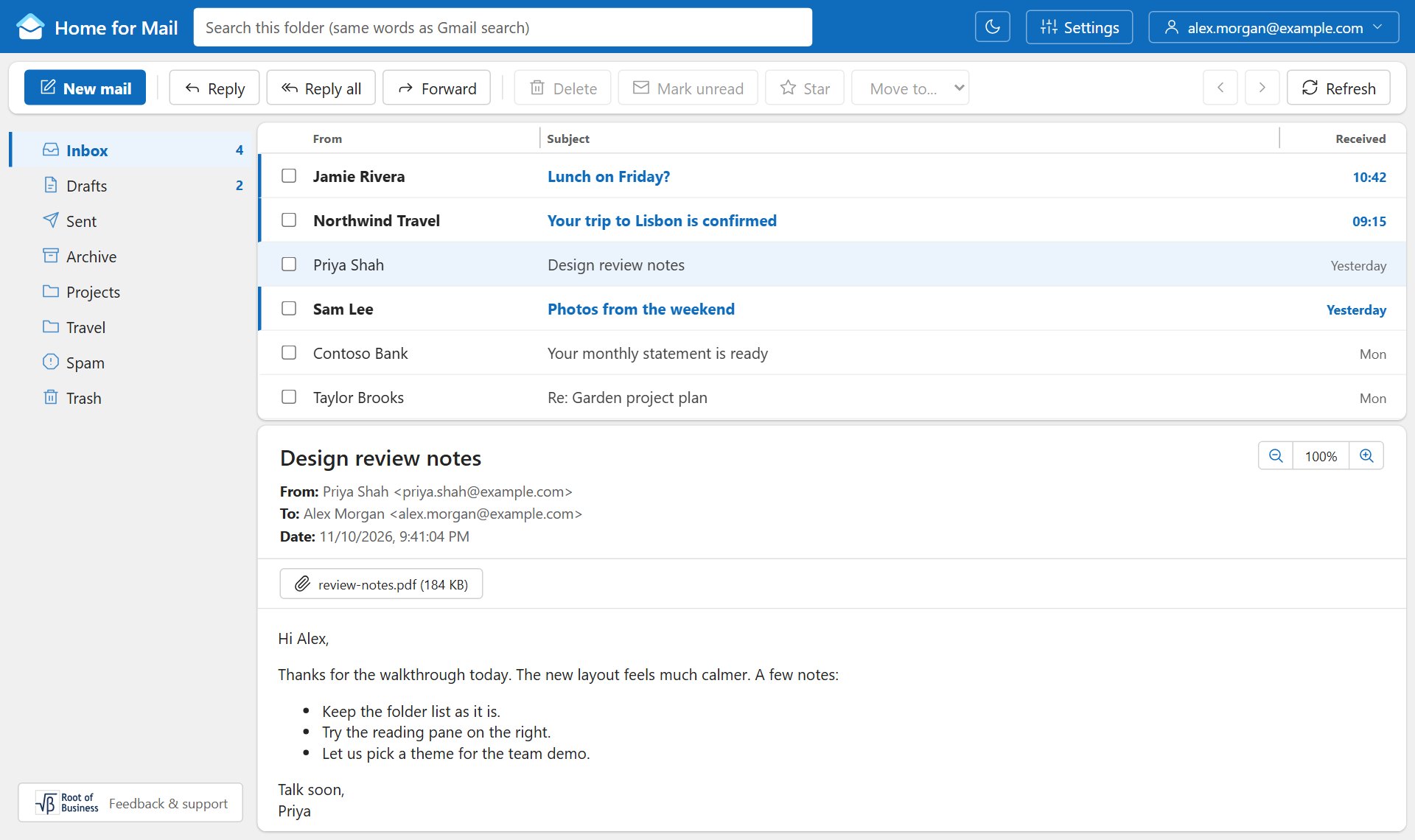
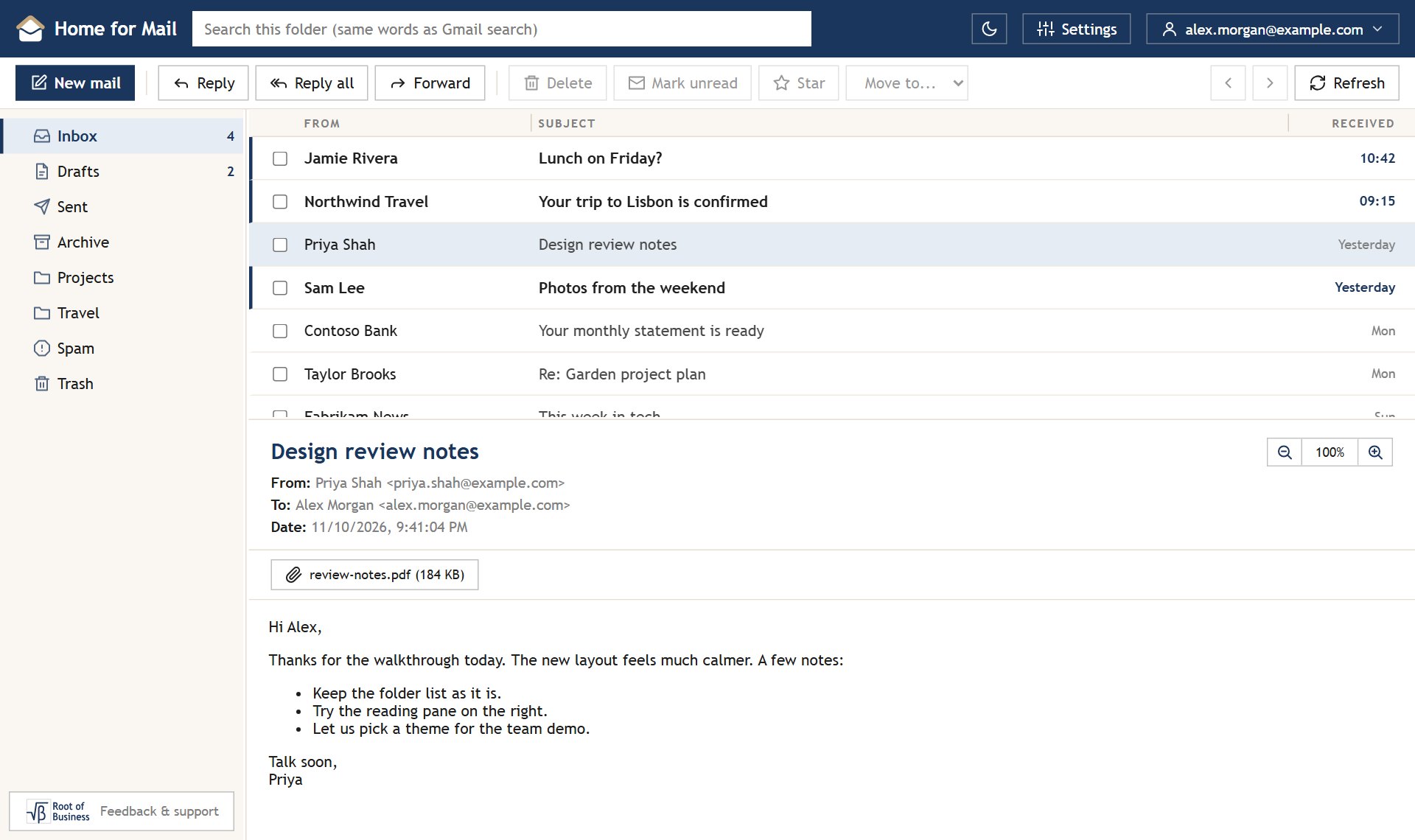
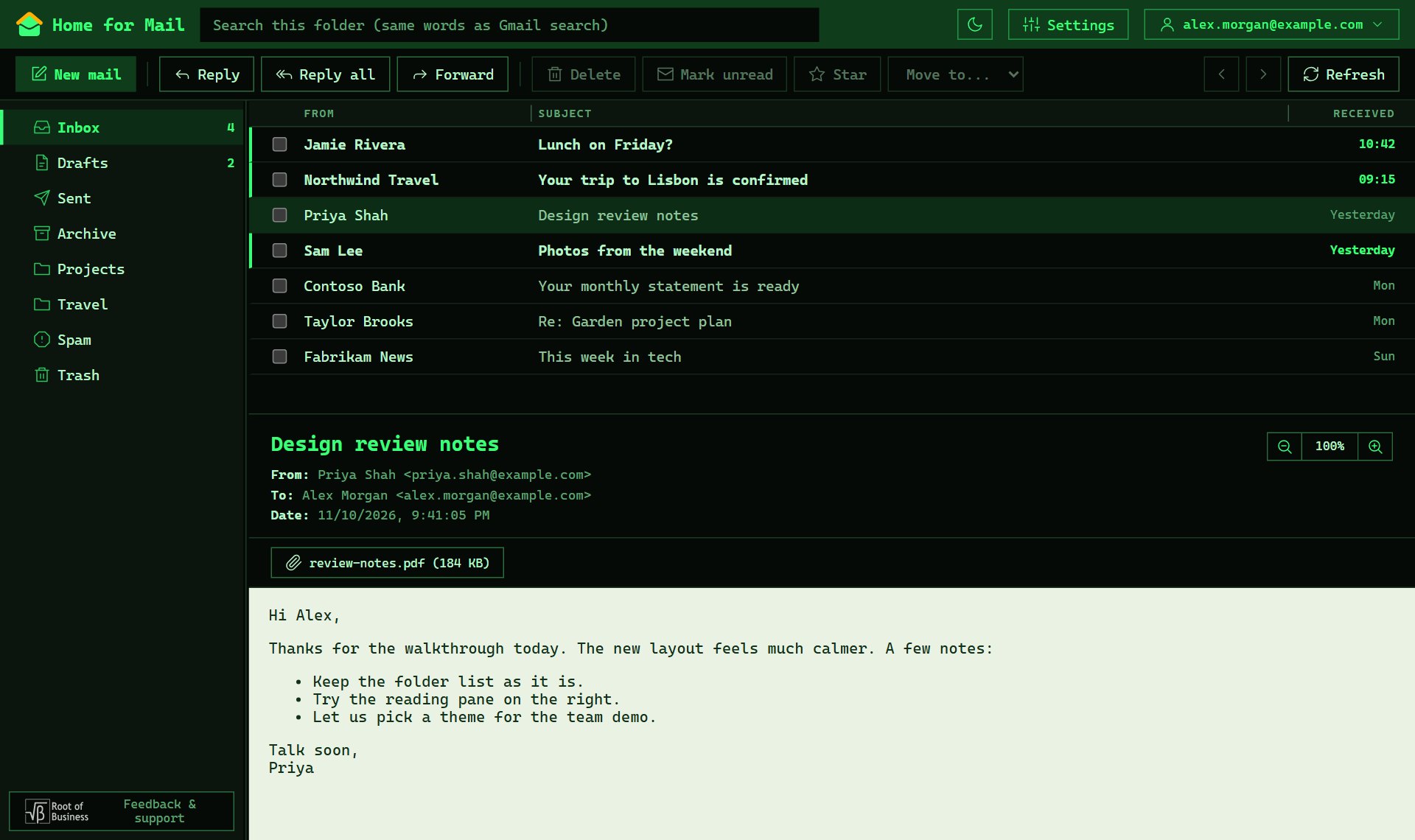
More inside the app: Fjord, Broadsheet and Candy. Change themes any time in Settings, Appearance.
Open the app and choose Sign in with Google. Pick your account and allow mail access. Your inbox opens right away.
Click your email address in the top right corner. Choose another account, or add a new one from the same menu.
Open Settings, then Appearance. Choose a theme and Light, Dark or System. The sun and moon button in the top bar switches light and dark too.
Allow pop-ups for mail.rootofbusiness.com, then try again. Make sure you allow mail access when Google asks. If it still fails, sign out of Google in that browser and sign in again.
Home for Mail runs fully in your browser. When you sign in, Google gives the page a short-lived access key. The page uses it to talk to Gmail directly. There is no Home for Mail server in between, and no email is stored anywhere but Gmail.
You can take back access at any time in Settings, Account, or in your Google account.
Connect your Gmail and choose a theme. It takes a minute.